REVIEW · NAPLES
Naples: National Archaeological Museum audio guide
Book on GetYourGuide →Operated by ITGUIDES · Bookable on GetYourGuide
Step into a museum that’s bigger than it looks.
This Naples National Archaeological Museum audio guide helps you make sense of major works without relying on sparse captions. I like that it’s organized by collection and loaded with practical extras like photos and a map. One thing to consider: it’s designed for phone users, so if your battery runs low, your visit will feel harder.
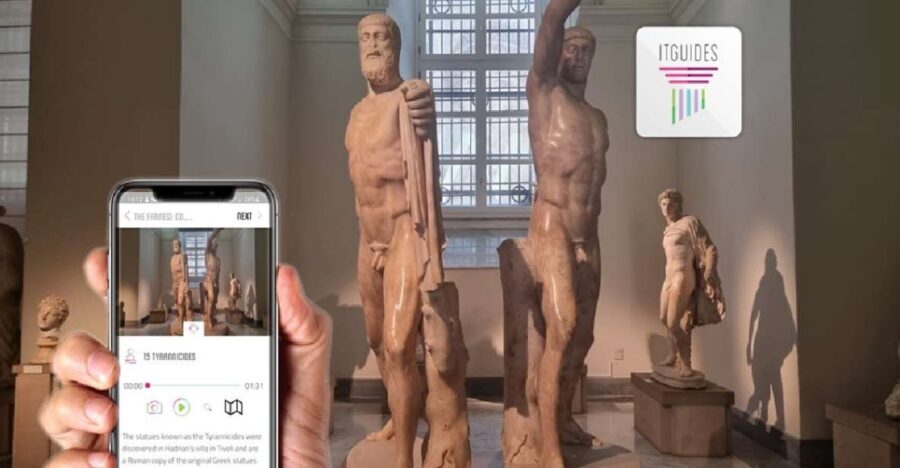
What makes this experience smart is how Itguides app lets you get started before you even enter the museum. You’ll get audio tied to 85 point of interest, plus directions for what to look for next. The possible downside is navigation: it’s not a super-flexible choose-your-own-exhibit system, so you may need to follow it step by step.
This is a self-guided 3-hour walk through world-famous highlights—from a giant Hercules to Venus Callipigia and the Egyptian collection. If you want the best odds of a smooth visit, bring comfortable shoes, keep your phone charged, and plan a little downloading time ahead.
In This Review
- Key things I’d bank on before you go
- Getting Started Before the Museum: activation, offline mode, and the demo
- Inside the Naples Archaeological Museum: a self-guided loop you can actually follow
- Hercules (3 meters tall) and the Greek-Roman highlights you don’t want to miss
- House of Fauno mosaics and Alexander’s battle with Persia
- Egyptian collection time, plus the Gabinetto segreto context
- Campania Romana and Magna Grecia: extra stops that change the feel of the visit
- How to pace 3 hours and avoid the common friction
- Price and value: why $4.70 can feel like a bargain
- Should you book this Naples audio guide?
- FAQ
- Do I need an entry ticket for the museum?
- Is there a meeting point?
- Can I use the audio guide without internet?
- Does it come with a map?
- Which languages are available?
- When should I buy it?
- What should I bring?
Key things I’d bank on before you go
- Start before the museum: activation plus a demo means you can prepare in advance
- 85 audio stops with photos and hypertext: you get context, not just labels
- Offline-ready after download: once the content is on your phone, you’re less dependent on signal
- Museum “stars” covered: Hercules (3 meters tall), Venus Callipigia, House of Fauno mosaics, Alexander battle scene
- Egyptian section includes Gabinetto segreto: you’ll know what you’re seeing instead of guessing
Getting Started Before the Museum: activation, offline mode, and the demo
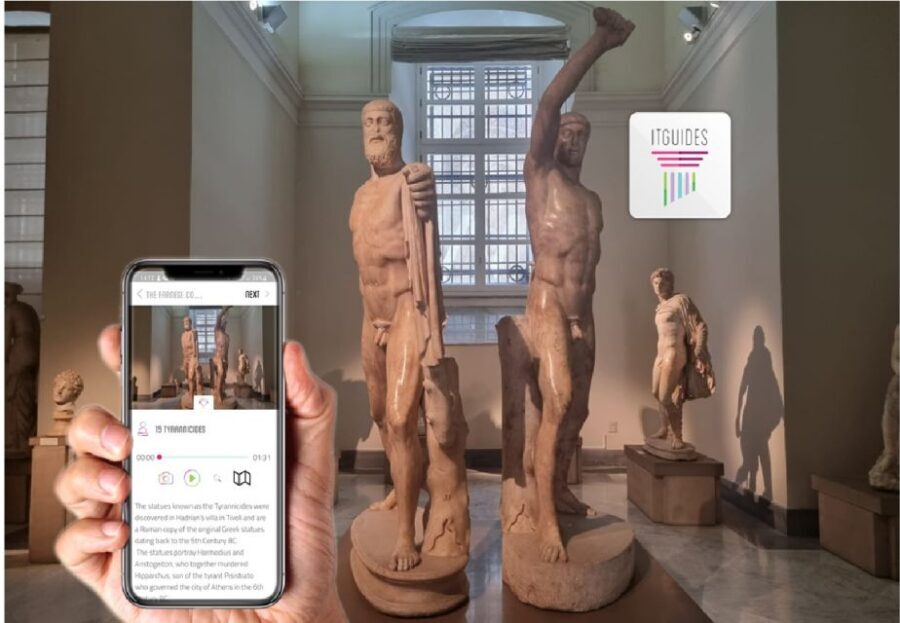
This audio guide runs through the Itguides app. The big rule is that you can’t use it immediately like a standard museum audioguide: you need to access/activate the content online first. Plan to buy it before your visit so you’re not stuck at the door waiting for a connection.
Here’s the practical move: download everything with a strong cell signal or Wi‑Fi, then you can use it offline while walking the galleries. Several buyers specifically advise getting the guide a few days ahead so you have time to download without rushing. If you’re the type who hates friction, I’d do a quick test first too, since the app offers a free demo.
Also, charge your phone like it’s a small mission. Bring a power bank if you can. One common snag is simple: a museum tour plus maps plus photos drains batteries faster than people expect.
You can also read our reviews of more guided tours in Naples



Inside the Naples Archaeological Museum: a self-guided loop you can actually follow
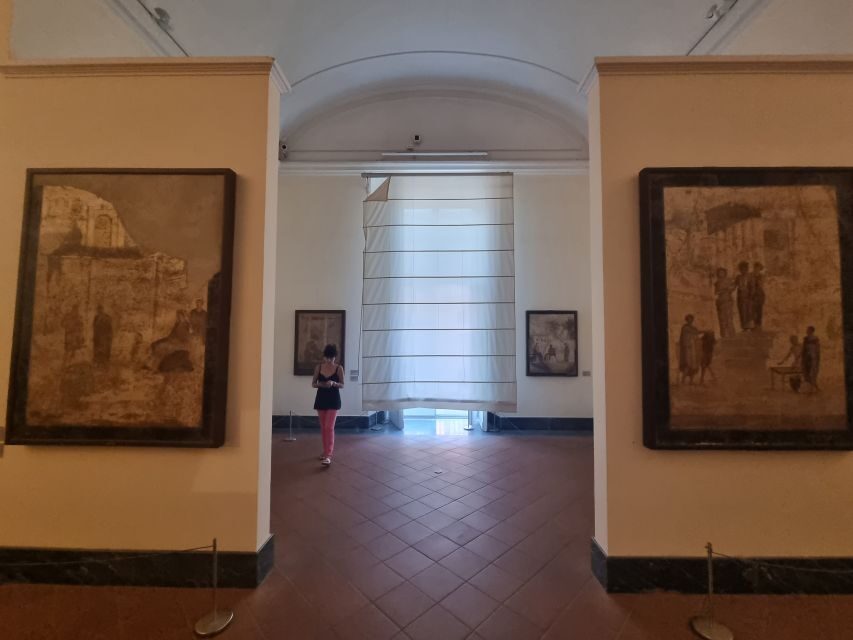
Because this is self-guided, you’re not tied to a group schedule. That’s great for pace, but it means you need a plan for how you’ll move from one highlight to the next. The guide is structured around points of interest, so you’ll generally work through selections in order—audio first, then look at the object, then move on.
Most people like this format for one main reason: the museum is large, and signs aren’t always enough to answer the questions you’ll want to ask. The audio is meant to fill in those gaps: what you’re looking at, why it matters, and what details to notice.
Two practical tips help a lot:
- Use Bluetooth headphones if you have them, so you can listen comfortably while keeping your hands free.
- Expect occasional navigation effort: the guide comes with a map, but it may not behave like a fully interactive exhibit finder. Some users reported it can be tricky to locate the next stop, especially if you want to jump around.
Hercules (3 meters tall) and the Greek-Roman highlights you don’t want to miss
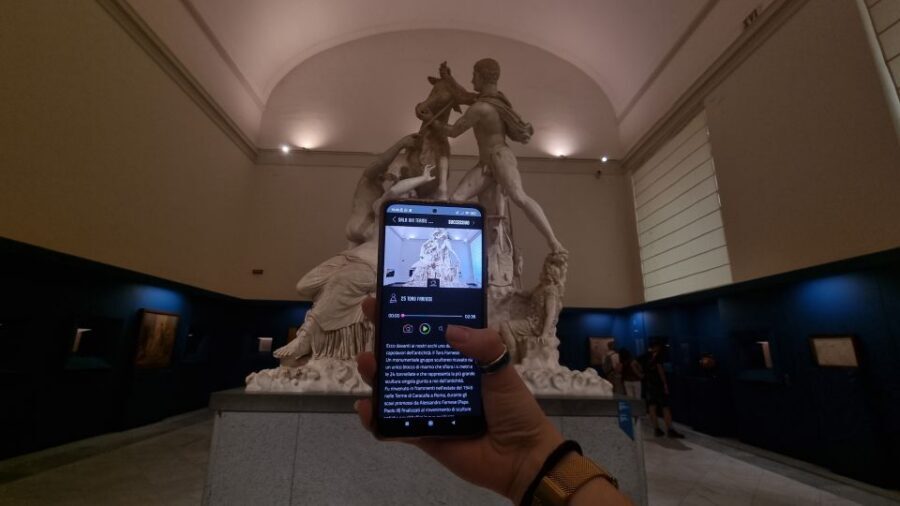
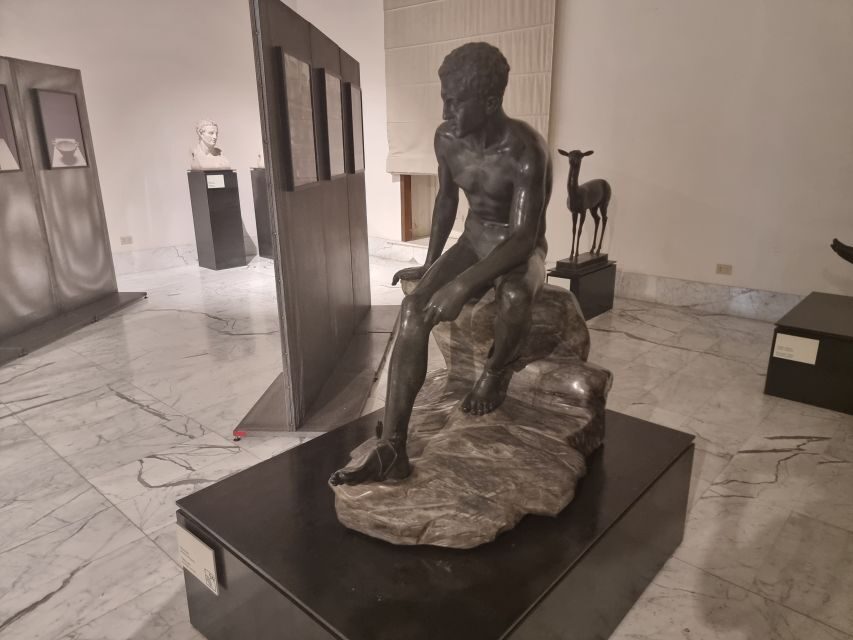
If you do only one thing with the guide, make it this: don’t just walk past the museum’s biggest iconic works. The guide calls out a standout Hercules resting figure that’s about 3 meters tall. When you’re standing in front of something that large, your brain wants an explanation—what posture means, what style choices suggest, and how the work fits into the larger collection.
Then comes Venus Callipigia, described for its famous grace and famously erotic pose. Without audio, you’ll likely recognize the subject name but miss the “why it’s significant” part. With audio, the statue becomes more than an impressive sculpture—it turns into a story you can follow with your eyes.
This is also where the guide’s collection-based organization matters. When audio follows the way the museum groups works, you waste less time wondering what room you’re in and what you’re supposed to look at next.
House of Fauno mosaics and Alexander’s battle with Persia
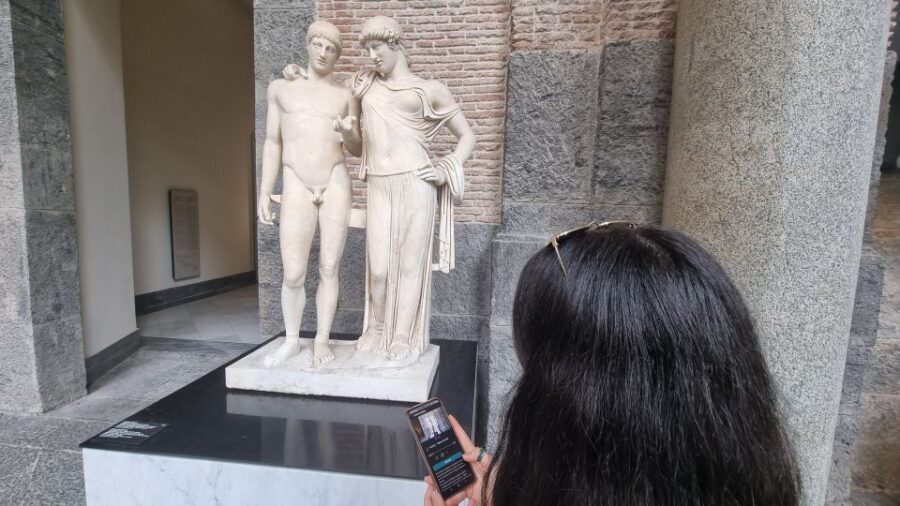
One of the most satisfying moments in this museum is moving from sculpture to scene-setting art. The audio guide includes coverage of the Mosaics of the House of Fauno, which means you’re not just seeing patterned floors—you’re getting help reading what’s happening in the imagery.
Another major highlight is the depiction of Alexander during his battle against the Persian king. Battle scenes can be confusing if you don’t have context, because your attention can bounce between tiny figures. The audio format helps you slow down just enough to spot the key elements: composition, action points, and what the scene is trying to communicate.
If you’ve ever stood in front of a complicated artwork and thought, I know I’m supposed to care, this is the solution. You’ll spend less time guessing and more time looking.
Egyptian collection time, plus the Gabinetto segreto context
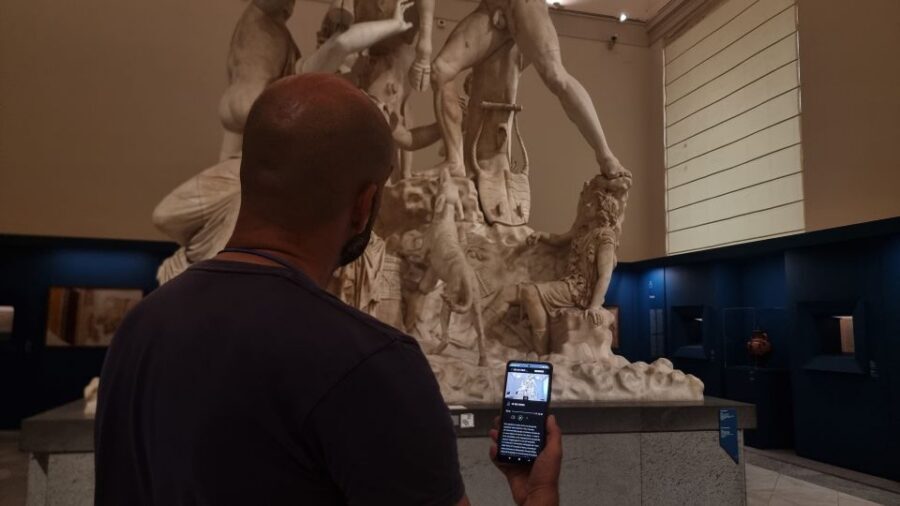
The museum’s Egyptian collection is a major reason many people keep this visit on their Naples list. The guide includes it, and that matters because Egypt sections can turn into a blur of objects if you don’t have a thread.
One inclusion that stands out is the reference to the famous Gabinetto segreto. Even if you don’t plan to linger there for long, it’s useful to have audio context so you understand what you’re seeing rather than treating it as an odd side room.
A simple expectation-setting note: Egyptian displays often require careful looking. If your phone battery is low, this is where the visit can feel frustrating, because you’ll want audio right when you’re trying to read symbolism and details.
You can also read our reviews of more museum experiences in Naples





Campania Romana and Magna Grecia: extra stops that change the feel of the visit
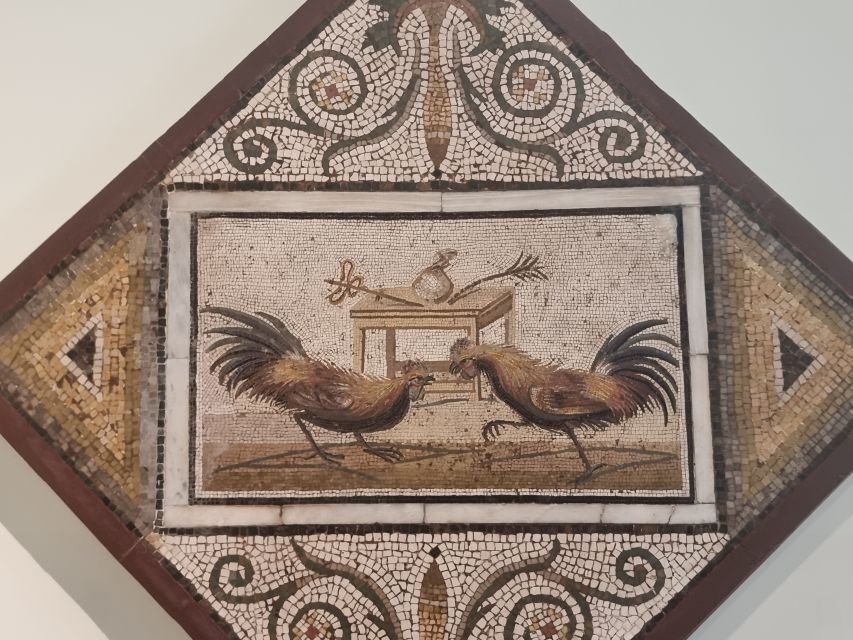
Some audio guides only cover the “greatest hits.” This one is different because it’s reported to include sections beyond the standard ticket-office coverage—specifically the recently reopened Campania Romana area and Magna Grecia material.
That changes how you experience the museum. Instead of feeling like you’re watching one era at a time from the Greek-Roman lens, you get a broader sense of Naples and Campania’s cultural mix. Even if you’re not an archaeology specialist, it helps you connect the dots across geography and time.
Also, if you’ve heard that the ticket office audioguide can feel thin, this is one reason people choose this phone-based option. Buyers describe it as more detailed and better organized by collections, with audio that covers more ground.
How to pace 3 hours and avoid the common friction
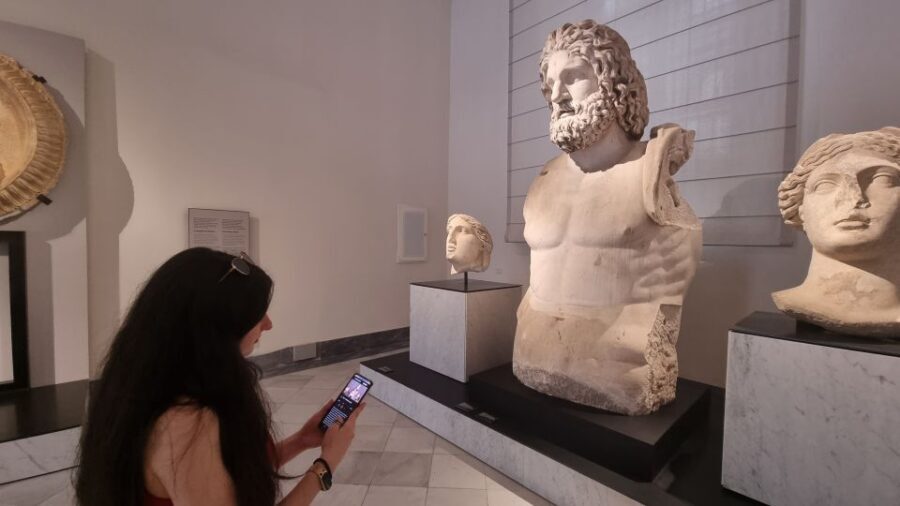
A 3-hour self-guided visit is a good length for a museum like this. You’ll want to use that time in a way that doesn’t rush the best works. The guide’s structure—points of interest with audio, photos, and descriptions—gives you a natural pacing rhythm: listen, look, move.
To make the whole thing smoother, I’d plan like this:
- Before entry: activate online and download on Wi‑Fi if possible
- During the visit: keep a slower rhythm for Hercules, Venus Callipigia, and the mosaic/battle scenes
- Navigation fallback: if you feel lost, pause and use the built-in map to re-orient rather than skipping ahead blindly
Two practical watch-outs based on user feedback:
- Not everything is explained with the same level of signage support, so audio really does make the difference.
- It may not offer perfect search by exhibit number, meaning you might have to follow the guide order rather than bouncing around freely.
If you like a structured museum day, you’ll probably love this. If you hate structure and want to wander randomly, you might find the step-by-step flow a little limiting.
Price and value: why $4.70 can feel like a bargain
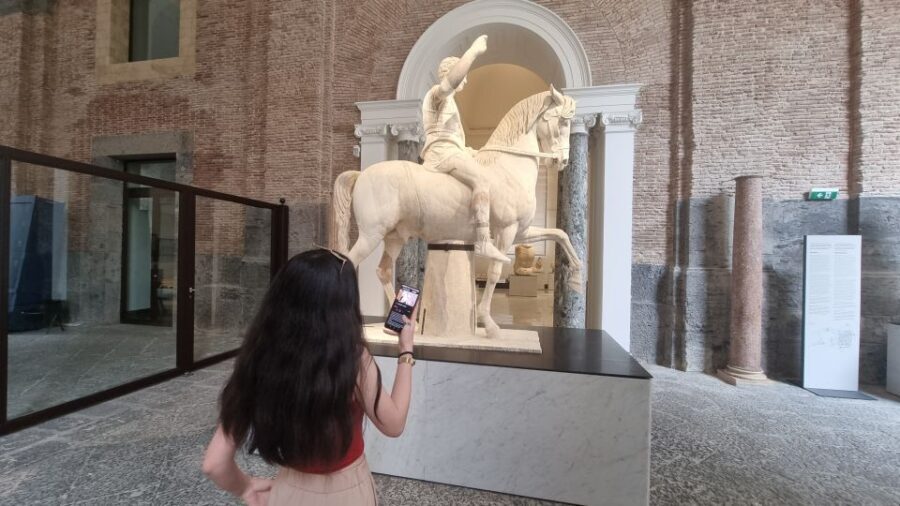
At $4.70 per person for a 3-hour audio experience, the value is mostly about what you get for the price. You’re not just paying for voices. You’re paying for organization: 85 points of interest, each with audio plus visual support (photos) and helpful text.
People also mention the value comparison: some felt this guide provided more useful detail than the museum’s own audio option, and at least one buyer specifically noted it had more audio and a clearer collection structure. For most visitors, that’s exactly what turns a good museum into a memorable one—being able to understand what you’re seeing without paying extra time (or money) at the ticket counter.
Is there a cost to consider? Yes: this guide depends on your smartphone and battery. If you show up with a low battery and no power bank, the experience value drops fast.
Should you book this Naples audio guide?
Book it if you want a low-cost way to get real meaning from the National Archaeological Museum. I’d especially recommend it if you:
- care about specific masterpieces like Hercules, Venus Callipigia, and the mosaic/battle scenes
- prefer a guide that’s organized by collections
- want something you can do at your own pace in about 3 hours
- need a plan for when captions and signage feel insufficient
Skip it or think twice if you:
- hate phone-based navigation and would rather rely only on on-site signage
- expect a super-flexible exhibit search experience
- don’t want to manage battery life (bring that power bank anyway)
FAQ
Do I need an entry ticket for the museum?
Yes. This audio guide does not include the museum entry ticket. You’ll need to buy the ticket separately.
Is there a meeting point?
No. This is a self-guided tour, so there’s no meeting point.
Can I use the audio guide without internet?
It’s designed to work offline, but you need good signal or Wi‑Fi to download the content and to access the guide before you go.
Does it come with a map?
Yes. The package includes a map, which helps you locate the points of interest in the museum.
Which languages are available?
You can choose from Italian, English, French, German, and Spanish.
When should I buy it?
You’ll have the best experience if you buy it in advance so you can activate it online and download everything calmly before your visit.
What should I bring?
Bring comfortable shoes, comfortable clothes, and a charged smartphone. A power bank is also a smart idea for a visit this long.
If you tell me your travel dates and whether you like a structured route or more wandering, I can suggest a simple way to fit the guide’s stops into your exact 3 hours.